Chrome extension
Any webpage, clean Markdown
Open the side panel, hit Convert, and copy or download tidy Markdown — with code fences, tables and math intact. Everything runs in your browser: no account, no servers, nothing uploaded.
Free · No account · Works offline
- 100% local conversion
- No account, no tracking
- Free, unlimited pages
What it looks like
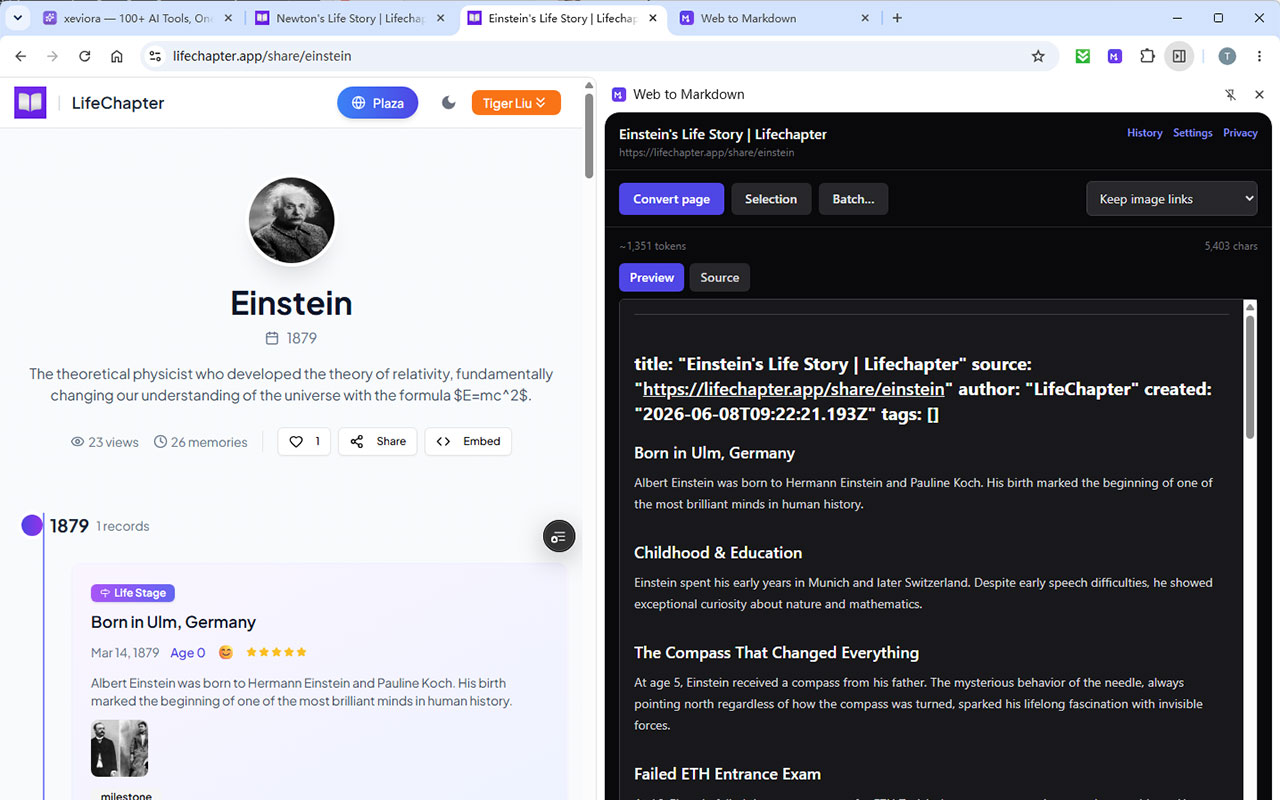
A side panel that stays open while you browse — convert, preview, export, move on.
Built for the pages that usually break converters
Code blocks, comparison tables and formulas are exactly the parts you do not want to retype. They survive the trip.
Whole page or just a selection
Convert the full article, or highlight a few paragraphs and convert only those. Main-content extraction drops navigation, sidebars and footers before conversion starts.
Code blocks that stay code
Fenced blocks with the language detected from the page's own highlighting, so a snippet copied from a docs site still reads as ```ts in your notes.
Math formulas
KaTeX, MathJax and MathML are recognised and written back as $…$ and $$…$$, so equations survive into Obsidian or a LaTeX document.
Three ways to handle images
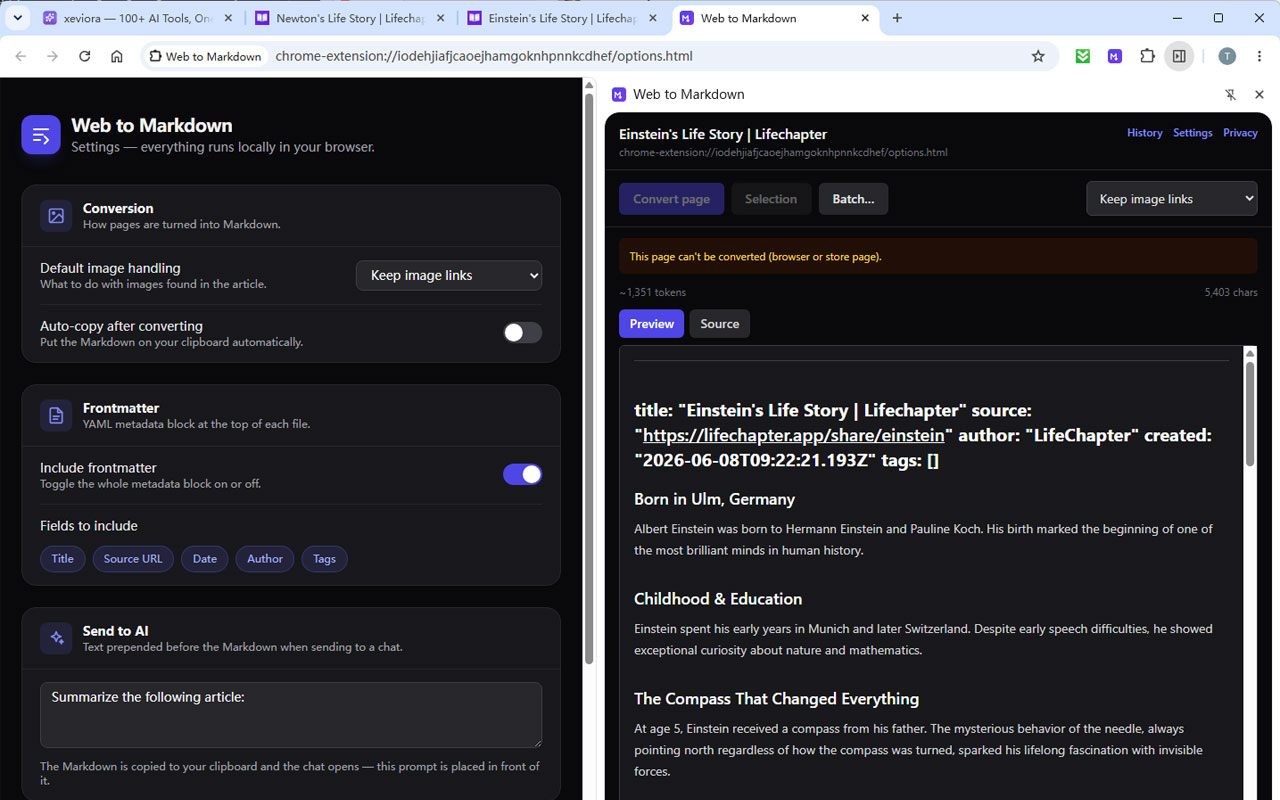
Keep the remote links, download every image into a .zip next to the Markdown, or inline them as base64 for one self-contained file.
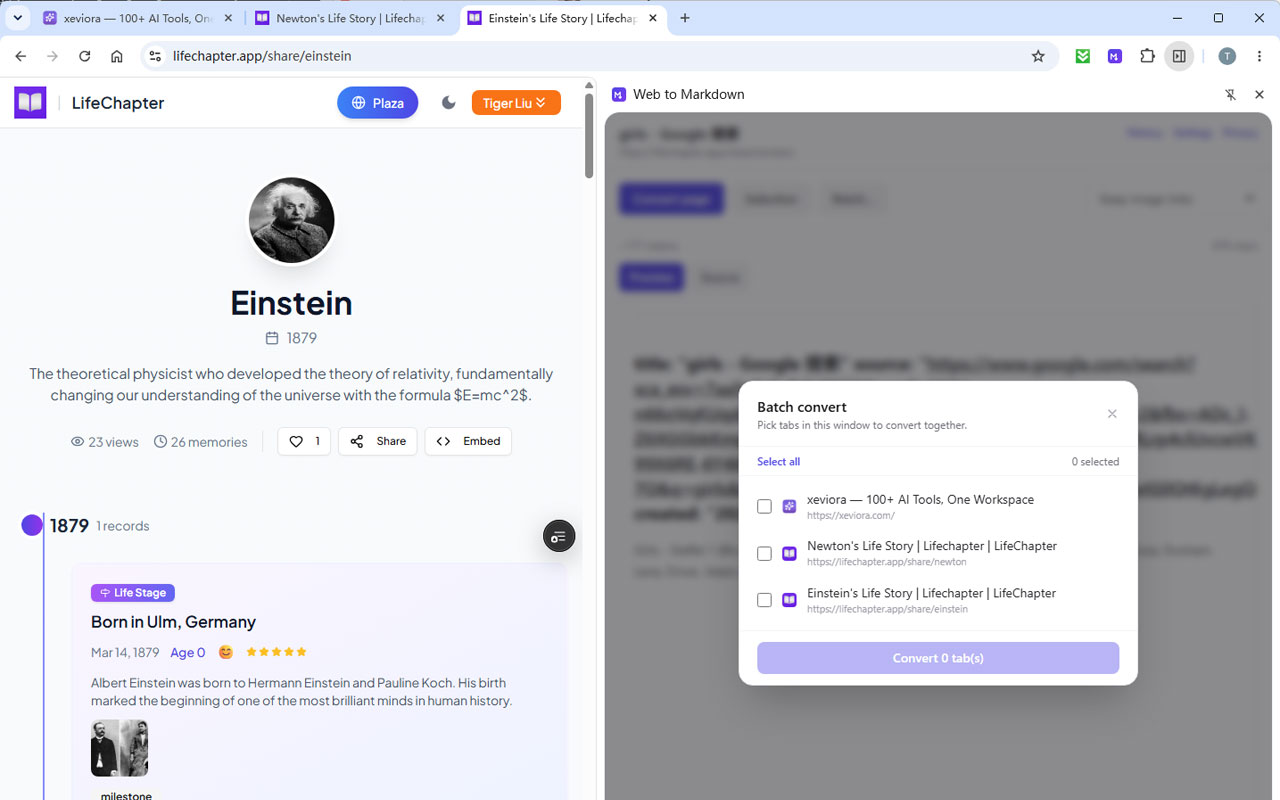
Batch a window of tabs
Pick several tabs from the current window and convert them in one go — merged into a single Markdown file, or one file per page inside a zip.
Send to a chat
Copies the Markdown and opens ChatGPT, Claude, Gemini or another chat with your own prompt prefix ready to go. The extension never talks to a model itself.
Three steps, no setup
There is nothing to configure before your first conversion.
- 1
Open the side panel
Click the toolbar icon. The panel slides out on the right and stays there while you browse from tab to tab.
- 2
Convert
Hit Convert page for the whole article, or Selection for just the text you highlighted. Readability strips the navigation, ads and comment threads for you.
- 3
Take it with you
Copy to the clipboard, download a .md file, send it to Obsidian, or open a chat with the Markdown ready to paste.
Conversion happens inside the page you are viewing — no request is sent anywhere.
Private because there is nowhere to send anything
This is not a promise about how we handle your data — the extension has no backend to send data to. Conversion runs inside your browser.
- No servers
- There is no API, no account system and no cloud storage. Your pages, settings and history stay in your browser profile.
- No analytics
- No trackers, no telemetry, no crash reporting. Nothing counts how often you convert.
- Minimal permissions
- Only what the features need. Cross-origin image fetching stays optional and is requested at the moment you switch to a mode that needs it.
- Works offline
- Conversion needs no network at all. Turn off the Wi-Fi and it still works on a page you already have open.
What people do with it
The same conversion, four very different destinations.
Clip articles into Obsidian
Send a cleaned-up note straight into your vault, images and front-matter included.
Web clipper for ObsidianPaste into Notion
Notion turns pasted Markdown into real blocks — headings, tables and code stay structured.
Import into NotionFeed a page to an LLM
Strip the boilerplate, check the token count, and open a chat with the text ready to paste.
Feed context to an LLMArchive developer docs
Keep API references and READMEs as Markdown that greps, diffs and survives a site redesign.
Archive developer docs
Get clean Markdown out of the web
Install the extension, open the side panel, and convert the page you are on. Nothing to sign up for.
Free · No account · Works offline